
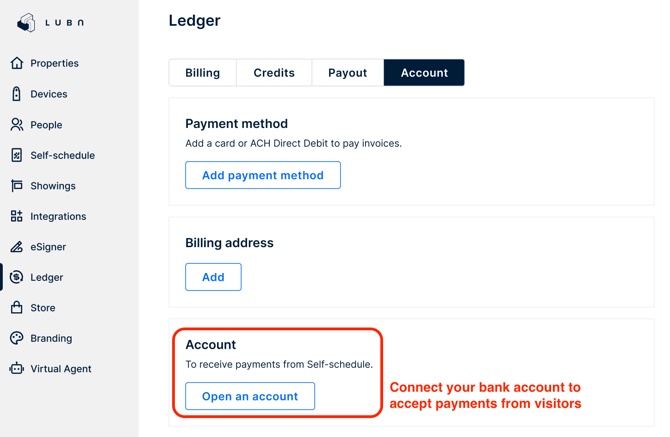
To accept payments from visitors, configure Payout in Ledger > Account to connect your bank account to Lubn. During setup, you will be prompted to enter your bank account details.
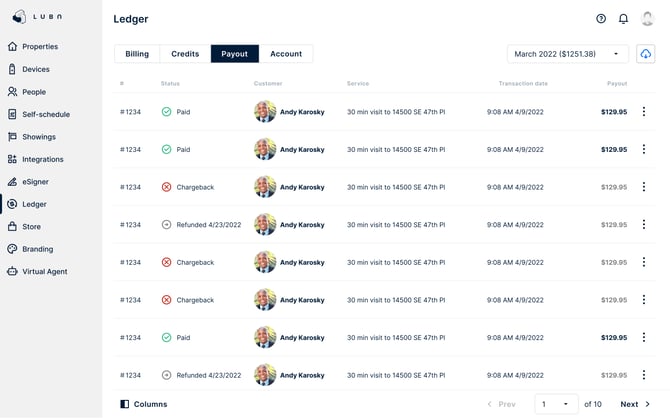
If you enable the Payout feature in Self-Schedule to collect payments from visitors or tenants at booking, all transaction and payment history is recorded under Ledger > Payout.
To issue a refund, click the menu icon (three dots) at the end of the transaction row, select Refund, and confirm. The specified amount will be returned to the customer’s original credit card, typically within 5–10 business days.
For accounting purposes, you can download the transaction records by selecting the download icon in the upper-right corner.
Lubn uses Stripe to process payments, and your sensitive banking information is stored securely with Stripe, not Lubn.